


Quick verdict: Try Genshin Impact on PC if you enjoy open-world exploration and elemental combat. Expect a large download, a long story, and optional gacha purchases. It is a weaker fit if you want a short campaign or competitive PvP.
Before you start: this linked offer is for eligible Windows PC players. Check regional availability and the current download requirements before installing. Playing on mobile or console does not establish eligibility for the PC offer.
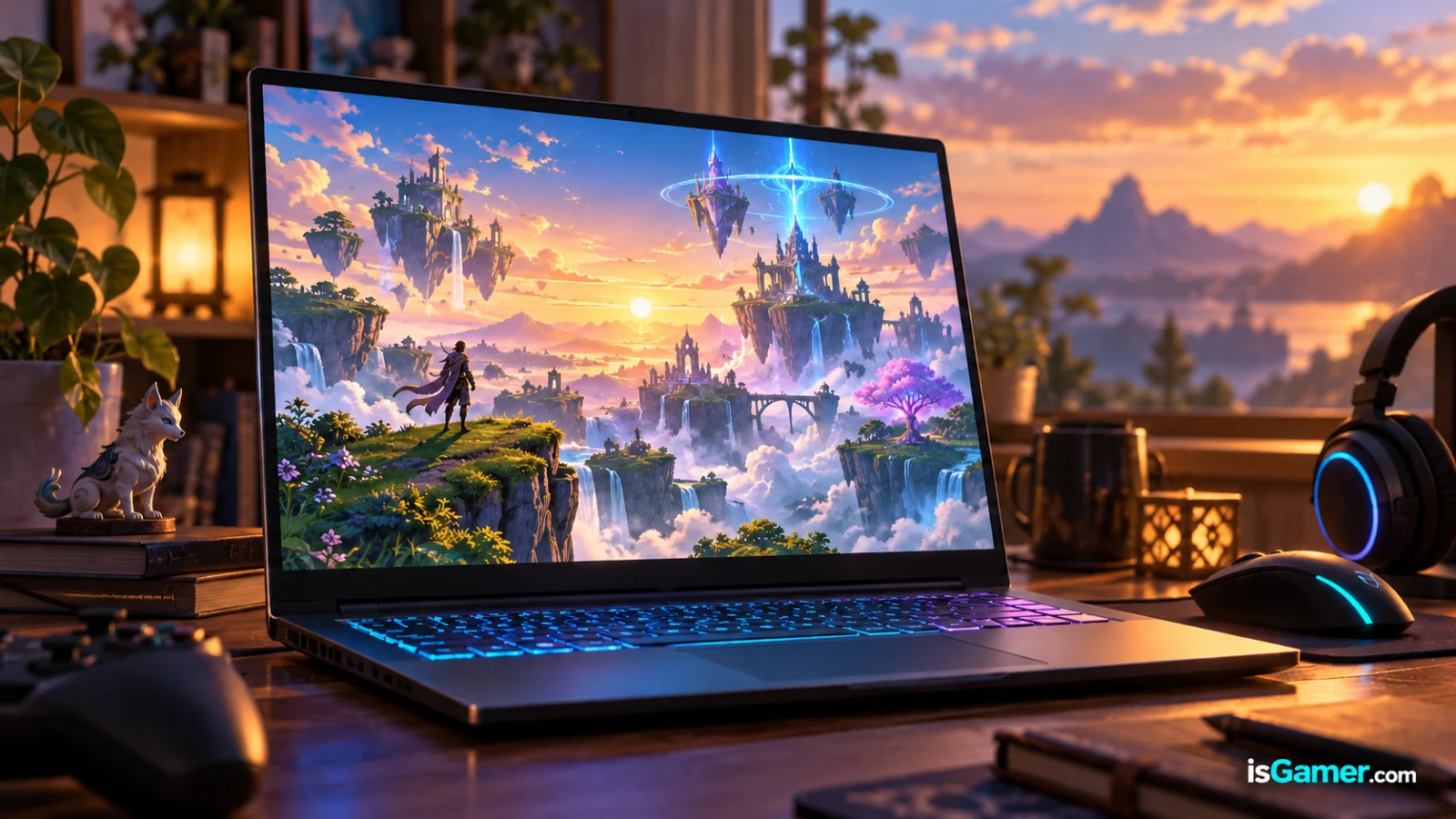
What Genshin Impact actually feels like on PC
Genshin Impact is an open-world action RPG built around exploration, character switching, elemental reactions, quests, and a live-service content cycle. On PC, the best part is the rhythm: you can spend an evening following the main story, getting distracted by a puzzle, climbing toward a chest, and ending up somewhere completely different from where you started.

The combat is easy to understand at first and deeper than it looks later. You build a small team, switch characters at the right moment, and combine elements instead of simply holding down one attack button. That makes the early game approachable while leaving room for players who enjoy rotations, energy management, and team building.
The trade-off is structure. The world is enormous, the quest log grows quickly, and the game adds systems over time. Recent player discussions repeatedly describe the same beginner problem: the game is welcoming mechanically but overwhelming informationally. The fix is not to chase a perfect meta team on day one. Follow the story in order, upgrade a small core roster, and let the systems arrive gradually.
Is Genshin Impact free to play?
Yes. You can download and play the PC version without paying an entry price. The commercial model is built around optional purchases for premium currency, character wishes, weapons, and time-saving or convenience products. The important distinction is that the story, exploration, and normal progression do not require you to spend money.
| What you want to do | Can you do it without paying? | What to watch |
|---|---|---|
| Explore the world and follow the story | Yes | The amount of content can feel overwhelming. |
| Build a functional team | Yes | Spend resources on a few characters instead of everyone. |
| Collect specific limited characters | Not reliably | Wish planning matters; do not treat banners like a guaranteed purchase. |
| Clear the hardest combat content | Yes, for many teams | Good rotations and investment matter more than chasing every new unit. |
| Optimize several teams quickly | Technically yes | Resin, materials, and artifact RNG slow the process. |
HoYoverse’s official top-up center lists premium currency bundles, but the price of a character is not the same as the price of entry. That is where many reviews and forum discussions disagree in tone: the game gives you a lot for free, while its gacha layer can become expensive if you turn collecting into the main objective. Our practical advice is simple: play the free content first and decide later whether a purchase adds value to your routine.
Genshin Impact PC requirements in 2026
Before clicking download, check the storage requirement. HoYoverse’s current PC support page lists Windows 10 64-bit, 8 GB of RAM, and a GTX 1050-class discrete GPU or equivalent as minimum targets. It also lists 110 GB of available storage and recommends an SSD. The recommended configuration moves to 16 GB of RAM and a GTX 1060 6 GB-class GPU or better.
| PC check | Minimum listed target | Recommended direction |
|---|---|---|
| Operating system | Windows 10 64-bit | Windows 10 or Windows 11 64-bit |
| Memory | 8 GB RAM | 16 GB RAM |
| Graphics | GTX 1050-class or equivalent | GTX 1060 6 GB-class or better |
| Storage | 110 GB free | SSD with room for future updates |
| DirectX | Version 11 | Version 11 |
Those numbers are the floor, not a promise of perfect performance on every laptop. Storage can increase with future patches, and a machine that technically launches the game can still suffer from stutter, heat, or slow asset loading. If you are choosing a laptop, use our gaming laptop buying guide and check the GPU power limit, cooling, RAM, and SSD space rather than shopping by GPU name alone.
If your laptop is close to the minimum, keep expectations realistic: lower settings, stable power, and an SSD matter more than forcing ultra graphics. Our guides to gaming laptop displays and cooling and thermal throttling explain why sustained performance matters after the first five minutes.
Is this Genshin Impact PC offer available in your region?
The Windows PC campaign has listed the following GEOs. This is a reference list, not a guarantee of current eligibility. Check the offer landing page and its regional conditions before installing.
Important: this campaign is intended for eligible Windows PC players. Depending on the current offer terms, installing and opening the game may be required. Always follow the official destination and confirm the conditions before starting.
PC CHECKPOINT
Ready to see if your setup can handle Teyvat?
Check the official PC route, then decide with the real trade-offs in mind.
Windows PC • check destination and regional eligibility before downloading
What other Genshin guides get right — and what they miss
KQM: excellent depth, high learning curve
KeqingMains is one of the strongest community resources for mechanics. Its beginner guidance is especially useful on resin, artifact timing, character investment, and the difference between “strong enough” and “perfectly optimized.” The weakness is that a new player can easily leave with more tabs open than answers. KQM is a great second step after you understand the basics, not always the best first landing page for a confused PC newcomer.
PC reviews: honest about monetization, often dated on PC setup
PC Gamer’s review captures the central tension well: the world and elemental combat are excellent, while resin limits, endgame grinding, and gacha monetization can sour the long-term loop. That criticism is useful, but older reviews cannot replace a current installation check. Storage, supported operating systems, and the amount of live-service content change over time.
Reddit: authentic player friction, scattered solutions
Player discussions are valuable because they expose the real first-week questions: “What should I level?”, “Am I too late?”, “Which quests should I do first?”, and “Why does the game already feel like a second job?” The recurring answer is reassuring: you can enjoy the overworld with a flexible roster, and you do not need to build for the hardest endgame immediately. The missing piece is a clean, current route from download to first meaningful team.
That is the gap this guide is designed to fill: a decision first, a PC check second, and a low-regret starting plan before any talk about perfect builds.
Strengths and weaknesses from a PC gamer’s point of view
Why it works
- Exploration remains the strongest reason to play: the world rewards curiosity instead of only pointing you between combat arenas.
- Elemental reactions make team building understandable at first and deep later.
- The free story and overworld provide dozens of hours before optimization becomes the main loop.
- Cross-platform progression makes it easier to keep the same account across supported devices.
- There is a large community, so a specific character, quest, or build problem usually has an answer somewhere.
Where it can lose you
- The amount of content can be intimidating when you return after a long break.
- Resin and material gates make late-game upgrades feel slower than the exploration phase.
- Artifact farming mixes real decision-making with heavy randomness.
- Gacha spending can turn a relaxing RPG into a collection chase if you stop setting limits.
- The PC install is large, so storage planning is part of the decision.
A no-regret first-week plan
- Install from the official PC source. Use the current HoYoverse launcher and make sure your SSD has room for updates. Do not download a random repack or use a “free primogems” site.
- Play the opening normally. Follow the early Archon Quests and unlock systems as the game introduces them. Avoid skipping ahead just because a guide lists a faster route.
- Choose a small core roster. Level the characters you actually enjoy and make sure your team has damage, elemental application, and some survivability. You do not need eight finished characters immediately.
- Spend guaranteed resources before chasing artifacts. Character levels, weapons, and relevant talents are easier to understand and provide more reliable value early on.
- Do not farm serious artifacts too soon. KQM’s beginner guidance places efficient five-star artifact farming much later, around AR45. Until then, use reasonable pieces and keep moving through the story.
- Set a spending boundary before the first banner. If the answer is zero, that is a complete answer. If you choose to spend later, use the official top-up route and treat it as entertainment money.
The no-regret first week
Who should play Genshin Impact on PC?
Play it if: you want a free open-world RPG, enjoy exploring at your own pace, like character-based combat, and are comfortable with a game that grows for years instead of ending after one campaign.
Skip it if: you want a compact story, competitive fairness, unlimited daily grinding, or a monetization model with no random character system. Genshin can be generous, but it is not neutral about collecting.
Our verdict: Genshin Impact is worth installing on a capable Windows PC in 2026, especially for players who value world design and story more than leaderboard progression. The smartest way to approach it is as a free RPG first and a character-collection service second. That order keeps the best parts visible and makes the commercial layer easier to judge without pressure.
Questions players ask before downloading
Is Genshin Impact still worth playing if I am starting late?
Yes, if you are comfortable with a large backlog. The game does not require a new player to understand every system on day one. Follow the story in order, build a small roster, and use community guides only when a specific question appears.
Can I play Genshin Impact without spending money?
Yes. Exploration, story content, quests, and normal progression are available without an entry purchase. Spending becomes relevant if you want to collect more limited characters or accelerate account development, not to unlock the basic game.
How much storage does Genshin Impact need on PC?
HoYoverse currently lists 110 GB of available PC storage and warns that future updates may increase the requirement. An SSD is recommended for a smoother experience and faster loading.
Should beginners farm artifacts immediately?
No. Early upgrades from character levels, weapons, and talents are more predictable. Community guidance generally recommends waiting until later progression before spending serious resin on artifact domains.
Is the PC version better than playing on mobile?
It depends on your hardware and controls. PC gives you a larger screen, keyboard/controller options, and more room for a high-quality presentation, but it also requires a large install and a machine that can sustain performance.
Sources and last check
- HoYoverse PC system requirements
- Genshin Impact official site
- KeqingMains beginner guide
- PC Gamer review and monetization discussion
- Recent player discussion about beginner friction
Last checked: November 1, 2026. Game requirements and live-service details can change with future updates.