

Competitive FPS mouse / PC buying guide
A serious FPS mouse—not an automatic upgrade for everyone.
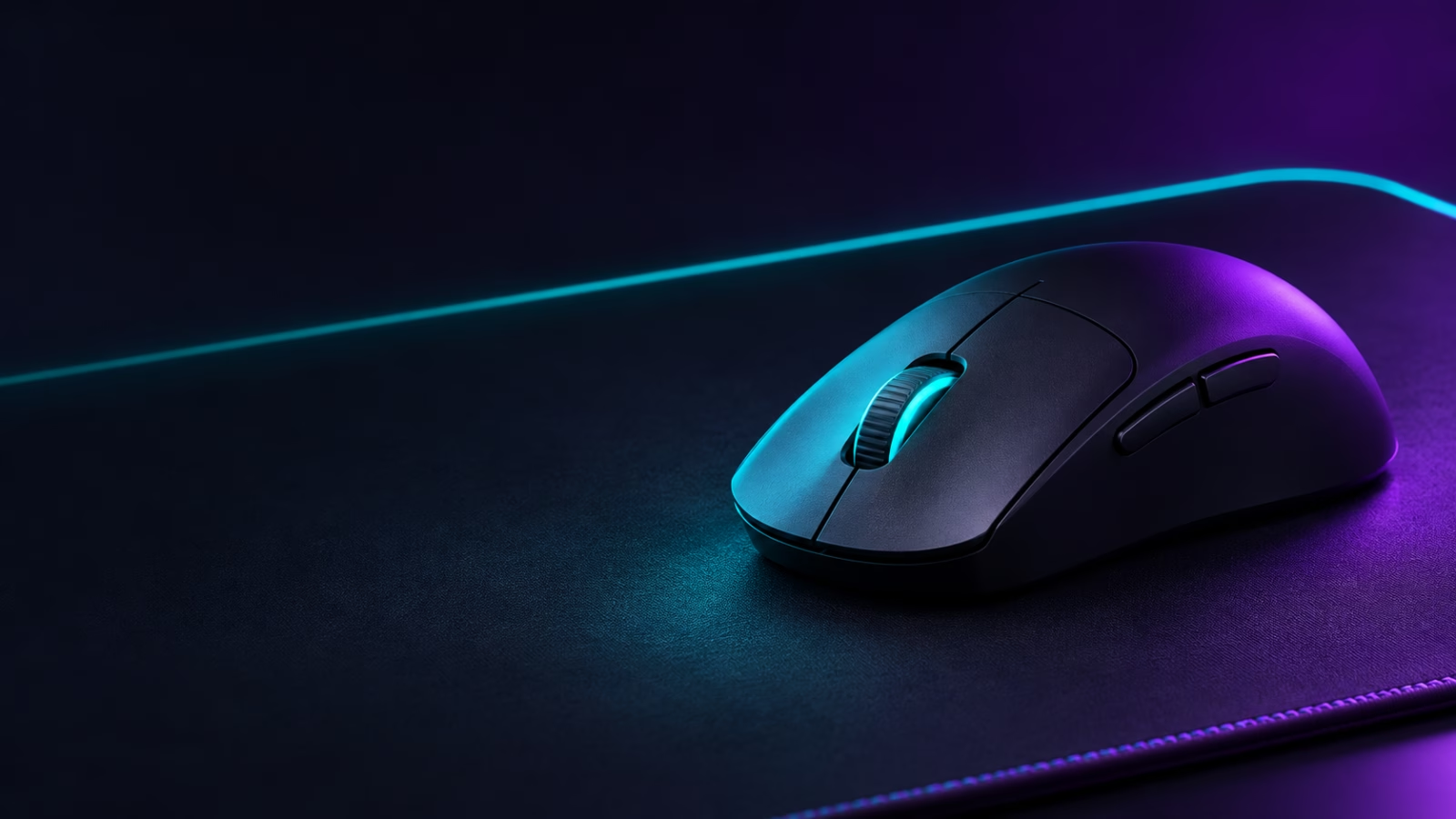
The Razer Viper V3 Pro is built for the player who notices mouse weight, sensor response, and competitive consistency. It should earn its price through your game and setup, not its spec sheet alone.
The upgrade test

Will lighter hardware make your aim feel better?
This type of mouse earns its place in fast FPS play, where long tracking, quick micro-corrections, and a low-fatigue feel can matter. It is not a magic aim upgrade.
Shape is personal. A premium lightweight mouse can still be a bad buy if the shell fights your grip. Compare its symmetrical shape with the mouse you already use before paying for the spec sheet.
Buy it for a focused PC desk, not a multi-device routine. High polling settings are optional; the relevant question is whether you value competitive consistency enough to accept the price and battery trade-off.
Before checkout
Confirm these three things
- The Amazon listing is the wireless Viper V3 Pro—not an older Viper variant.
- Your grip and button needs match a streamlined six-button FPS mouse.
- You are comfortable using it as a PC-first tool without Bluetooth pairing.
Why a new FPS mouse can be worth it
The upgrade is about control, not a miracle
Gaming mice feel personal because the input is always in your hand. A lighter, responsive wireless shape can make long FPS sessions feel less tiring and help a player keep movement more consistent once the shape is familiar. That is meaningful—but it is not a substitute for settings, practice, or a grip that fits.
The reason to replace a working mouse is specific: your current mouse feels heavy, its cable drags, its shell fights your grip, or you now care enough about competitive play to value that last bit of comfort and consistency.
If none of those is true, keep your money. If they are, this is a focused upgrade that changes the physical part of playing rather than adding desk clutter.
Reality check
What matters before you click
RTINGS and major hardware reviewers find its latency and sensor performance excellent, but PC Gamer and Tom’s Hardware make the key point: it is a specialised competitive tool, not the best-value mouse for every desk.
Watch out: Its 8 kHz mode uses more battery, it has no Bluetooth or multi-device pairing, and its premium price is hard to justify for casual gaming.
Check current Amazon offer →isGamer verdict
Buy for the use case—not the hype.
A focused performance choice for esports-style play. If that is your setup, confirm the current variant, seller, price, and availability on Amazon before ordering.
Affiliate disclosure: As an Amazon Associate, isGamer earns from qualifying purchases. We do not publish a fixed price because it can change.