

PC storage / specialist buying guide
Fast storage is great. Paying for speed you cannot use is not.
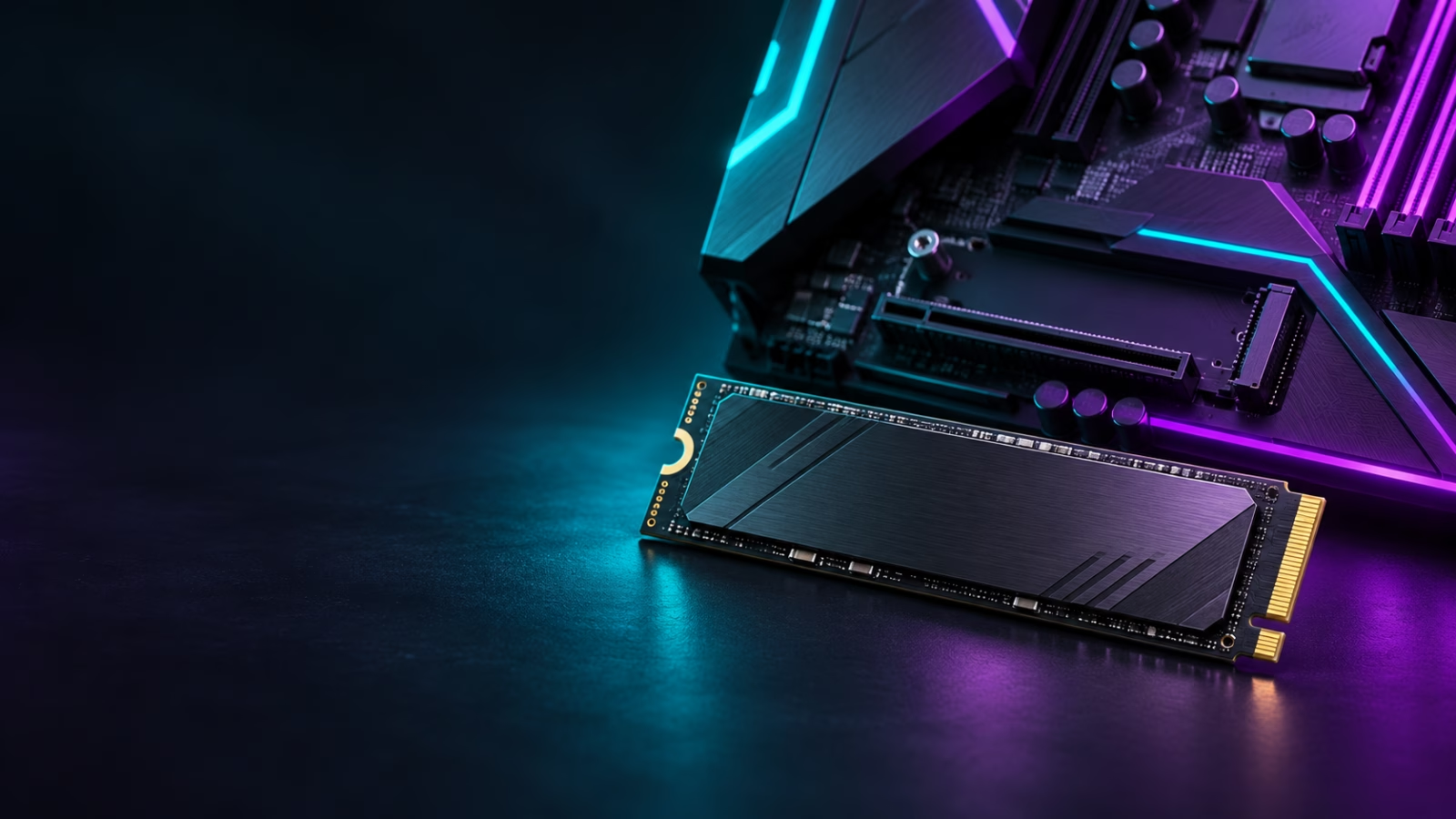
The Samsung 9100 Pro is a high-end PCIe 5.0 SSD. It makes the most sense in a fresh, compatible performance build that also works with large game packages, video captures, or creative files.
The upgrade test

Will this SSD remove a real bottleneck?
A PCIe 5.0 drive only reaches its intended lane on compatible hardware. On a PCIe 4.0 board it can still work, but the buying case changes—check the motherboard manual before treating it as a speed upgrade.
Huge installs, frequent capture files, projects, and a fresh high-end build create a stronger case than simply wanting a faster game-library drive. Game loading alone does not always reward the premium.
Storage decisions are about space as much as headline speed. Choose the capacity that prevents another upgrade too soon, and check whether the variant includes a heatsink suitable for your build.
Before checkout
Confirm these three things
- Your motherboard supports the M.2 size and PCIe generation you are paying for.
- The listing capacity and heatsink configuration match your plan.
- The live price still beats a strong PCIe 4.0 alternative for your actual use.
Why a new SSD can be worth it
Buy storage to remove friction, not to collect benchmarks
Modern PC games are large, and a storage upgrade becomes valuable when it removes a real compromise: uninstalling games every week, running out of room for recordings, or building a new machine where fast storage and clean cable management are part of the plan.
The sensible question is not “is PCIe 5.0 faster?” It is “will this drive make my own PC easier to use?” For a compatible high-end system with a large game library and creator files, the answer can be yes. For a PCIe 4.0 system that only needs inexpensive extra space, a strong PCIe 4.0 drive may be the smarter buy.
This is why a high-end SSD should be chosen after checking the platform, capacity, and live price—not because a headline number looks exciting.
Reality check
What matters before you click
PC Gamer, Tom’s Hardware, and TechRadar agree on fast sequential performance and efficiency, but question its gaming value at higher prices. This page treats it as a targeted upgrade, rather than using speed claims to push every player into a purchase.
Watch out: Independent tests show that the gaming benefit can be inconsistent versus cheaper drives. Verify your motherboard support, capacity, heatsink variant, and the real deal price first.
Check current Amazon offer →isGamer verdict
Buy for the use case—not the hype.
A specialist upgrade, not a universal gaming recommendation. If that is your setup, confirm the current variant, seller, price, and availability on Amazon before ordering.
Affiliate disclosure: As an Amazon Associate, isGamer earns from qualifying purchases. We do not publish a fixed price because it can change.