



For most people building a gaming PC in 2026, 32GB of RAM is a comfortable target when the budget allows. That doesn’t make 16GB obsolete. The right amount depends on your games, background apps, and whether your system does more than gaming.
Before shopping, distinguish between a game’s minimum system-memory requirement, its recommended requirement, and what your entire PC actually consumes while you play.
8GB: a compromise for lighter games
An 8GB PC can still run some older or lightweight games, but Windows, game launchers, a browser and voice chat all compete for the same limited memory. A system that repeatedly runs low may become sluggish when switching apps. Microsoft’s 4GB Windows 11 installation minimum is not a gaming recommendation.

16GB: still useful when the workload fits
If your regular games play smoothly, you keep background apps under control, and you are not exhausting available memory, 16GB may remain perfectly adequate. It may be a better choice for a budget-limited existing machine than replacing working RAM when the GPU is the real bottleneck.
Integrated graphics can share system RAM, and operating-system activity differs between PCs. Check the specific games and your usual configuration instead of assuming that every 16GB PC behaves the same.
32GB: practical headroom for a new build
For a fresh mainstream desktop, 32GB offers room for modern games alongside browsers, recording software, mods, and communication apps. It is useful when several memory-heavy tasks overlap, but adding capacity does not automatically increase average FPS if your existing games already fit comfortably in RAM.
Valve’s Steam Hardware & Software Survey tracks participating systems. The popularity of a capacity is context, not proof that a particular game requires it.
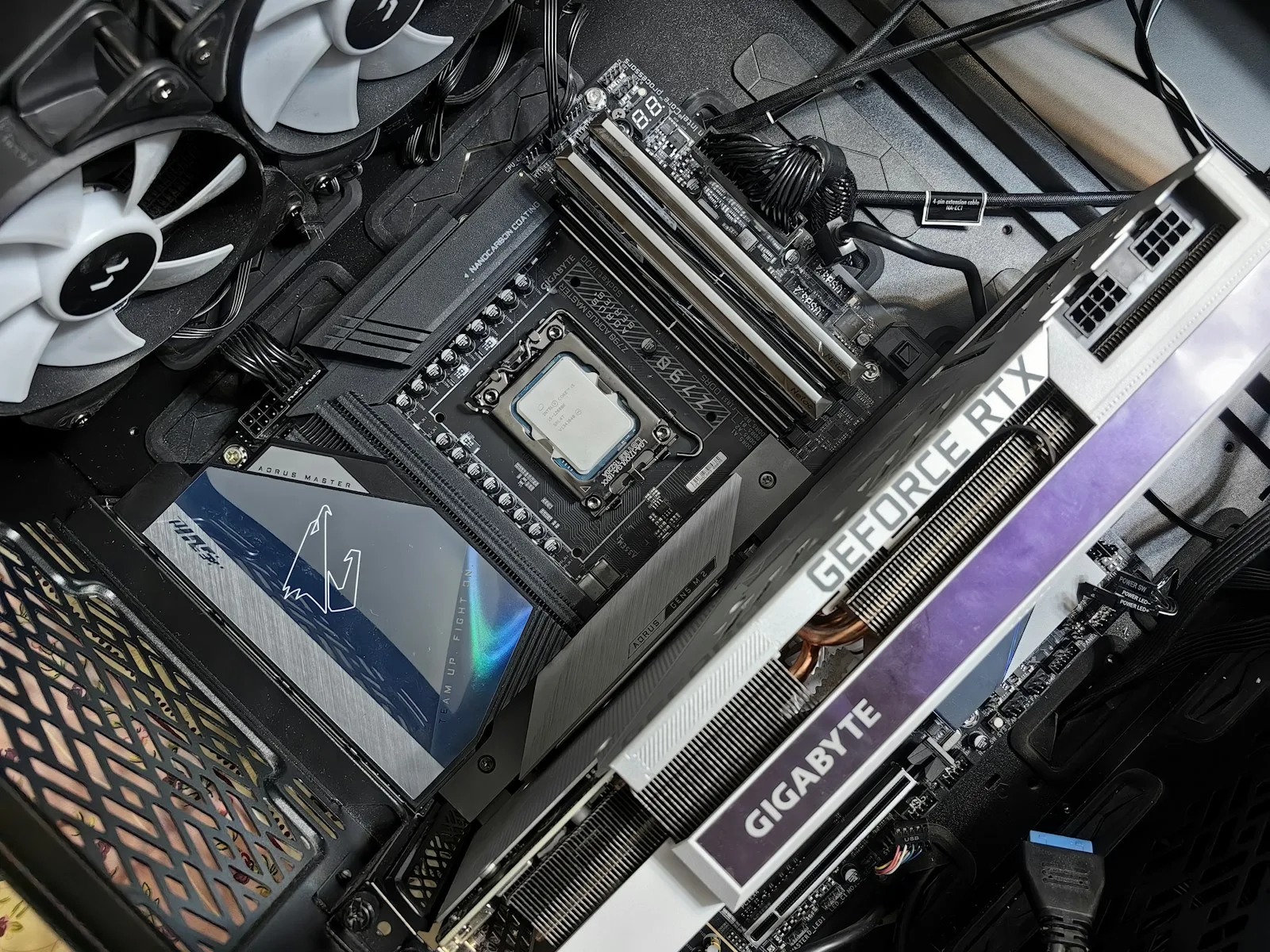
64GB: choose it for a concrete workload
64GB can make sense for extensive mods, virtual machines, development tools, professional creation software or unusually heavy multitasking. Most gamers should check measured demand before paying for it. If a game is stuttering, changing capacity will not fix a CPU or GPU limit.
Check what your actual games need
First, open official store or publisher pages and read the current recommended system requirements for your specific games. Then run your normal gaming session and open Task Manager → Performance → Memory. Review usage across more than one session and look for pressure when a problem occurs. High usage by itself isn’t conclusive: Windows also uses memory for caching.
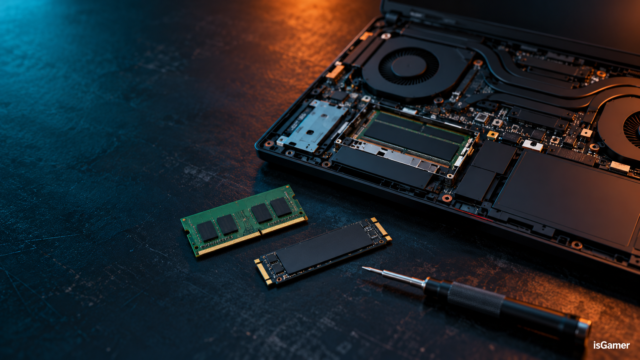
Capacity isn’t the only consideration. Check DDR4 versus DDR5 support, slot population, and whether laptop memory is removable. Our gaming RAM buying guide explains capacity, platform compatibility and the 16GB-versus-32GB choice. Once you’re certain an upgrade will help, follow the RAM upgrade checklist before ordering parts.
Sources: Valve Steam Hardware Survey; Microsoft Windows 11 system requirements.


3 comments