
A MUX switch and Advanced Optimus both control how a gaming laptop routes frames to its display, but they do it differently. The practical question is simple: do you need a MUX switch, or is a hybrid graphics mode good enough?
For most buyers, the answer depends on the laptop display, the games you play, battery priorities, and the price difference. This guide explains the trade-off without treating a small FPS gain as a reason to ignore the rest of the machine.
What does a MUX switch do?
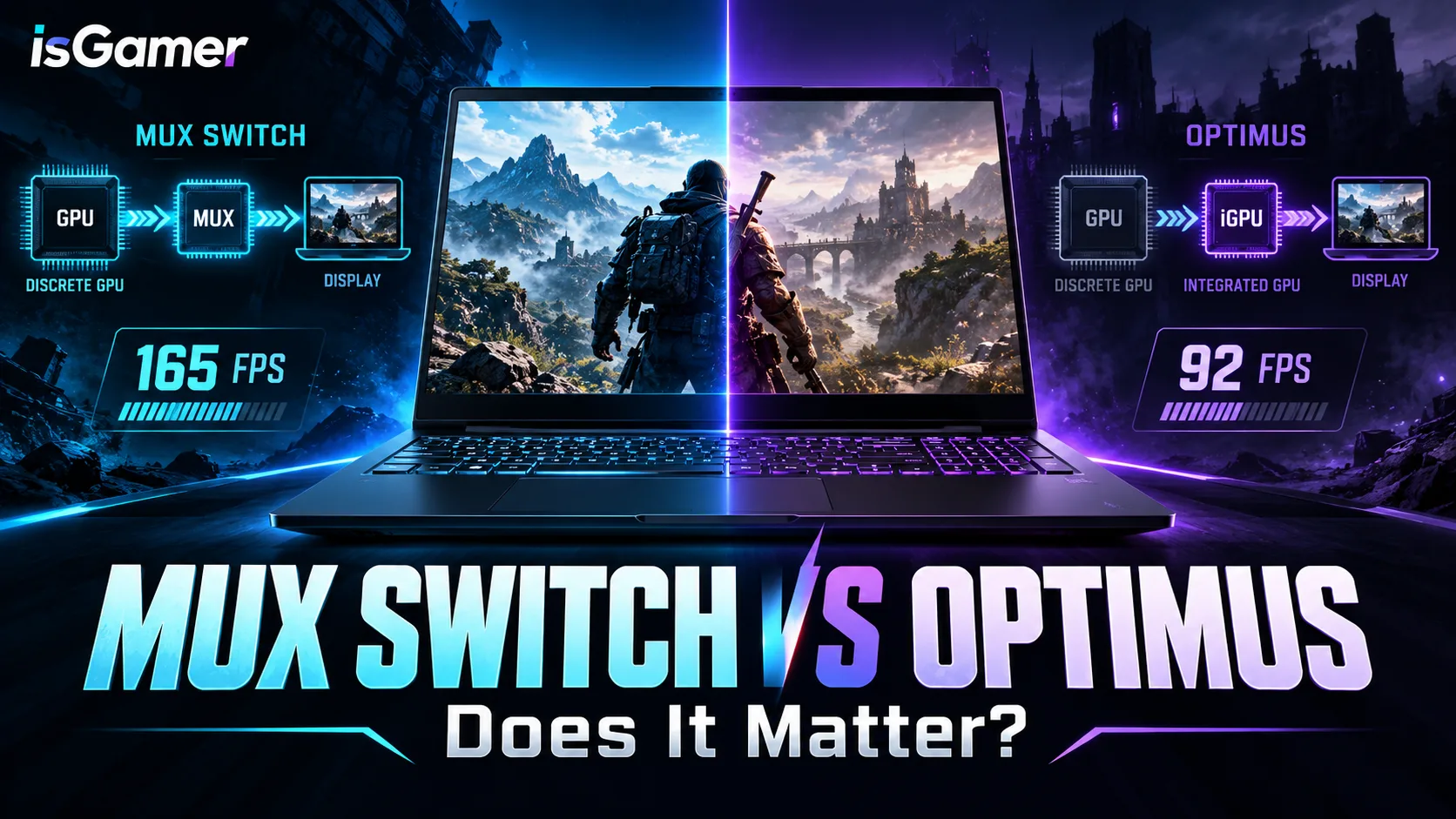
A MUX switch lets the discrete GPU send frames directly to the laptop display. In a traditional hybrid setup, the discrete GPU renders the frame, but the integrated GPU may handle the final path to the screen. Direct routing can reduce overhead and improve latency in some games.

What is Advanced Optimus?
Advanced Optimus automatically switches between integrated and discrete graphics modes. It aims to keep battery use lower when you are doing light work, then route demanding games through the discrete GPU when needed. It is more convenient than manually changing a MUX mode, but the result depends on the laptop implementation and display.
MUX Switch vs Advanced Optimus: the real differences
| Feature | MUX switch | Advanced Optimus |
|---|---|---|
| GPU routing | Direct discrete-GPU path | Automatic hybrid switching |
| Battery behavior | Usually better in hybrid mode | Designed to switch automatically |
| Latency | Can be lower in direct mode | Usually close, depending on the game |
| Convenience | May require a restart or software change | Mostly automatic |
| Value | Most useful for high-refresh gaming | Useful for mixed work and gaming |
How much performance can you gain?
There is no universal FPS number. A direct GPU path can help more in CPU-limited esports games at 1080p and high refresh rates. The difference may be smaller at higher resolutions, with ray tracing enabled, or when the GPU is already the main bottleneck.
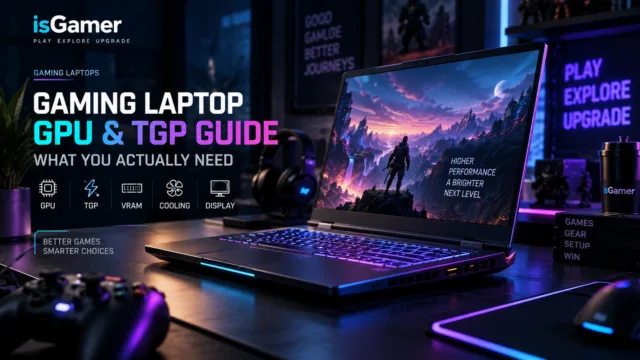
That is why you should compare the exact configuration and power limit. Our GPU and TGP guide covers the larger performance factors that often matter more than the graphics switching mode.
Who should prioritize a MUX switch?
- Competitive players using a high-refresh 1080p display.
- Buyers who want the lowest possible display latency.
- Users who regularly connect an external monitor to the discrete GPU.
- People comfortable changing performance modes and accepting lower battery life while gaming.
Who should choose Advanced Optimus?
- Students and professionals who move between battery work and plugged-in gaming.
- Players who want automatic switching without restarting.
- Buyers who care about convenience as much as peak FPS.
- Anyone comparing two laptops where the Advanced Optimus model has better cooling or a stronger GPU.
What else should you check?
Do not buy a weaker laptop just because it has a MUX switch. Check GPU power, VRAM, cooling, display response time, brightness, RAM, and SSD capacity. Our gaming laptop buying guide puts those decisions into one checklist.
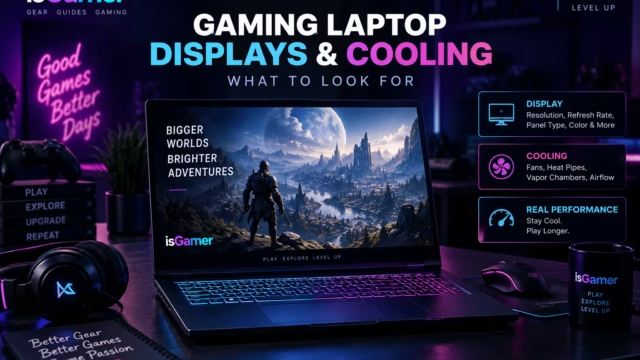
A good display also changes how noticeable any performance difference feels. Compare the panel and cooling system with our gaming laptop display and cooling guide.
Frequently asked questions
Is a MUX switch worth paying more for?
It can be worth it for competitive gaming and high-refresh 1080p play. For general gaming, stronger GPU power and better cooling are often more valuable.
Does Advanced Optimus replace a MUX switch?
It can provide a similar practical benefit by switching display paths automatically, but the exact behavior depends on the laptop, panel, drivers, and game.
Should I disable integrated graphics?
Usually not permanently. Use the laptop performance mode or graphics settings recommended by the manufacturer, especially when you want better battery life away from the charger.
Bottom line: a MUX switch is a useful feature, not a complete buying strategy. Choose it when the laptop already has the GPU, cooling, display, and price balance you want.
Technical References and Buying Notes
NVIDIA explains that Advanced Optimus can automatically switch which GPU drives the display. Its broader Optimus documentation also explains the battery-life and performance trade-off behind hybrid graphics.
Shopping shortcut: prioritize the stronger GPU and better cooling first. Choose a MUX switch or Advanced Optimus when the rest of the laptop is already competitive, especially if you play high-refresh esports games.