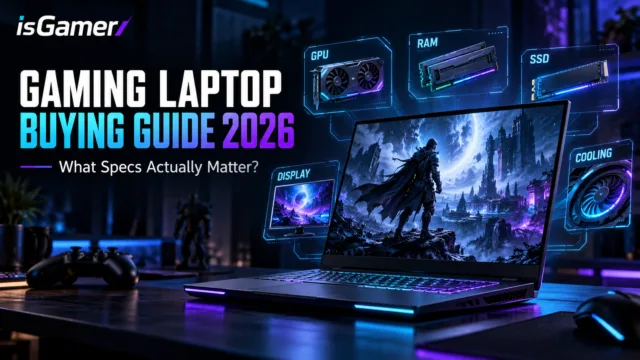

Gaming laptop prices can move quickly, but the best choice is not always the most expensive model. The right gaming laptop specs depend on the games you play, the resolution you want, and how much performance you need to keep for the next few years.

This guide breaks down what to look for at three useful price points: around $800, $1,200, and $1,500. The goal is not to chase a badge. It is to build a balanced system where the GPU, display, cooling, RAM, and SSD all make sense together.
What matters most in a gaming laptop
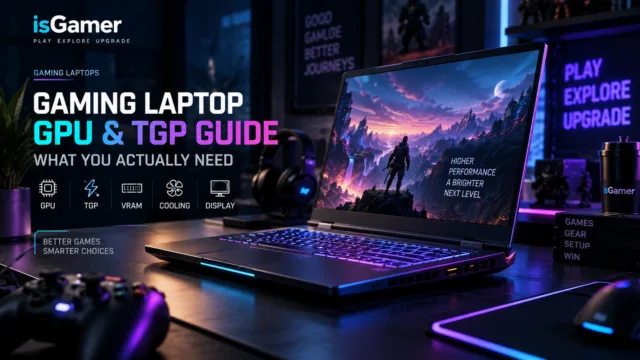
Start with the GPU, but do not stop there. Laptop graphics performance depends on the exact power limit, cooling system, VRAM, and display resolution. Our gaming laptop GPU and TGP guide explains why two laptops with the same GPU name can perform differently.

- GPU: the main driver of game performance.
- CPU: important for high frame rates, simulation-heavy games, and multitasking.
- RAM: 16GB is the practical floor; 32GB gives more headroom.
- SSD: 1TB is a comfortable target for a modern game library.
- Display: match resolution and refresh rate to the GPU.
- Cooling: sustained performance matters more than a short benchmark burst.
Around $800: prioritize a real gaming GPU
At roughly $800, look for a current entry-level discrete GPU, 16GB of RAM, and at least a 512GB SSD. A 1080p display is usually the sensible match because it lets the GPU deliver stronger frame rates without paying for pixels the hardware cannot drive.
Expect compromises: the chassis may be heavier, the screen may have modest brightness, and the SSD may be smaller. Those are acceptable trade-offs if the RAM and storage can be upgraded later. Avoid paying extra for a high-refresh display when the GPU is too weak to use it consistently.
Around $1,200: the balanced sweet spot
The $1,200 range is often where the overall package becomes easier to recommend. Look for a stronger midrange GPU, 16GB or 32GB of RAM, a 1TB SSD, and a 1080p or 1600p display with good motion clarity.
This is also the point where cooling quality and GPU power limits deserve more attention. A slightly less powerful GPU in a well-cooled laptop can feel better over a long gaming session than a faster chip trapped in a thin chassis.
Around $1,500: buy balance, not decoration
At $1,500, you should expect 32GB of RAM or an easy upgrade path, a 1TB SSD, a stronger GPU, and a display that makes sense for the hardware. A 1600p panel can be worthwhile if the GPU has enough power and VRAM to drive it.
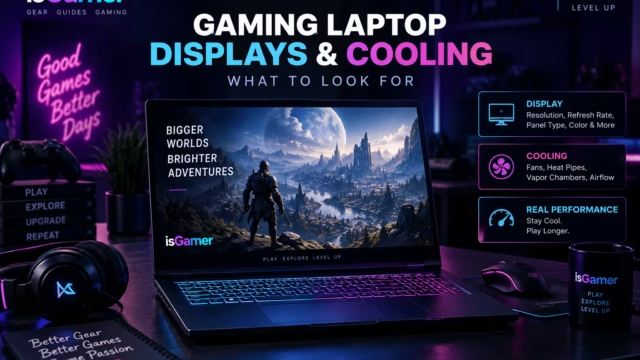
Do not spend the entire budget on a premium screen while accepting weak cooling or a low-power GPU. Read our guide to gaming laptop displays and cooling before choosing between a thinner design and sustained performance.
How much RAM and storage should you buy?
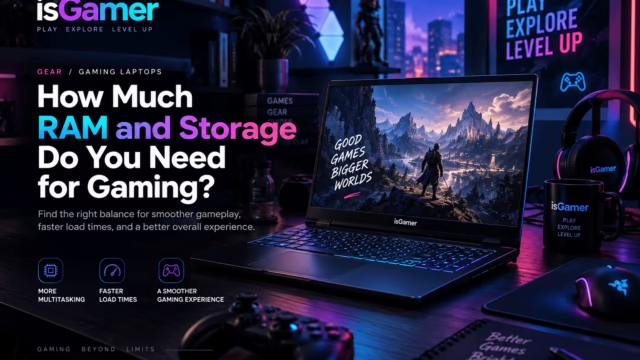
For most new gaming laptops, 16GB remains usable, but 32GB is the safer long-term target if you stream, edit video, use mods, or keep many applications open. Storage is easier: 1TB gives most players a comfortable starting point, while 512GB works mainly when a second SSD slot is available.
Use our guide to RAM and storage for gaming to compare upgrade paths before you buy.
The short buying checklist
- Choose the target resolution and frame rate first.
- Compare the exact GPU power limit, not only the GPU name.
- Prefer 16GB RAM minimum and 1TB storage when possible.
- Check display brightness, response time, VRR, and refresh rate.
- Read reviews of the exact configuration for temperatures and fan noise.
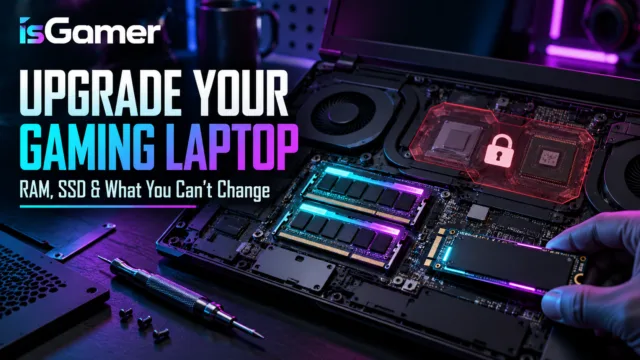
- Confirm RAM and SSD upgradeability before checkout.
Frequently asked questions
Is $800 enough for a gaming laptop?
Yes, if you target 1080p gaming and prioritize a discrete GPU, 16GB of RAM, and upgradeable storage. You will make more compromises on the display and chassis than at higher budgets.
Is 32GB RAM worth it for gaming?
It is increasingly useful for new games, multitasking, mods, and streaming. If the price difference is reasonable or the laptop is easy to upgrade, 32GB is the better long-term choice.
Should I choose a higher resolution or a faster GPU?
For gaming, choose the stronger GPU first unless you already know the laptop can sustain your target resolution and frame rate. A balanced 1080p or 1600p setup usually feels better than an overpowered display paired with weak graphics.
Bottom line: the best gaming laptop budget is the one that keeps the GPU, display, cooling, memory, and storage in balance. Compare the complete configuration rather than buying the biggest number on the box.
How We Compare Gaming Laptop Value
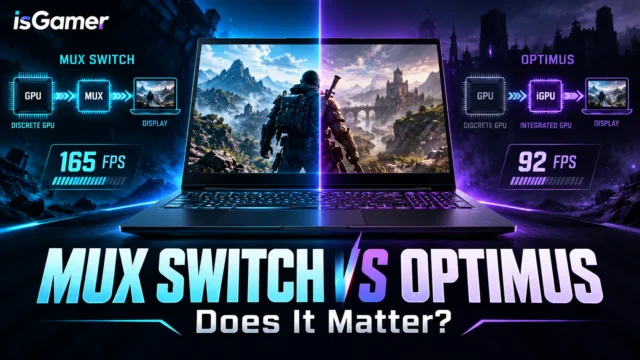
Our buying framework follows the same balance-first approach used in Intel’s gaming laptop buying guide: match the CPU, GPU, display, memory, and storage to the games and resolution you actually plan to use. For graphics routing and battery trade-offs, NVIDIA’s Optimus overview is a useful technical reference.
Shopping shortcut: use this article to set your minimum specs, then compare the exact configuration, cooling design, warranty, and upgrade path before clicking a retailer link. Prices change, so we focus on the hardware balance rather than temporary deal claims.