

For most gaming laptops in 2026, 16GB of RAM is still a practical starting point, while 32GB gives more breathing room for newer games, multitasking, streaming, creative apps, and a longer useful life. Storage is just as easy to underestimate: a 512GB SSD can work, but 1TB is a much more comfortable target if you plan to keep several large games installed at once.
The best choice depends on how you actually use the laptop. A machine bought mainly for esports has different memory and storage needs from one used for AAA games, Discord, browser tabs, recording, editing, or school and work at the same time.
If you are still deciding which graphics configuration makes sense, our gaming laptop GPU and TGP guide explains why the GPU name, power limit, VRAM, and cooling system should be evaluated together.

Is 16GB of RAM enough for gaming in 2026?
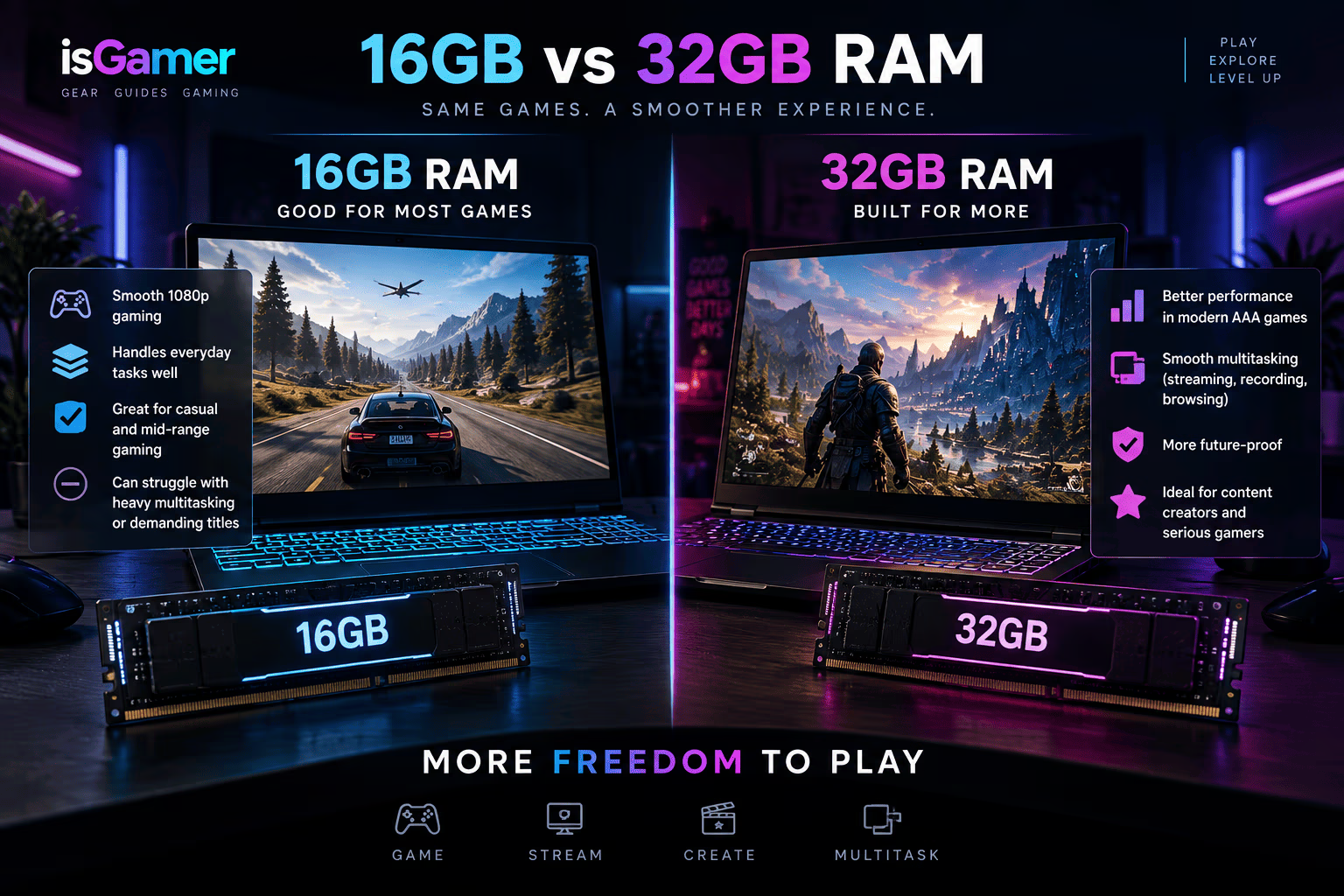
For a dedicated gaming laptop, 16GB remains a reasonable baseline rather than an obsolete configuration. Valve’s August 2026 Steam Hardware Survey still shows 16GB as the most common system-memory tier among participating users, with 32GB close behind.
That does not mean every game needs 16GB, or that 16GB will always be ideal. It means the capacity still sits in the middle of the current PC gaming market and can handle a wide range of workloads when the rest of the system is balanced.
The real question is what happens around the game. Windows, launchers, voice chat, browsers, RGB utilities, capture software, anti-cheat tools, and background apps all compete for memory. A laptop that feels perfectly fine with only a game running can have less headroom once several of those programs stay open.
When 32GB starts to make more sense
Moving to 32GB is less about making every game instantly faster and more about giving the system extra working space.
That headroom becomes useful if you regularly keep a browser, Discord, game launcher, recording software, music, hardware monitoring tools, or creative applications open while gaming. It can also make sense for players who use heavily modded games, large simulation workloads, virtual machines, development tools, or editing software on the same laptop.
For a premium gaming laptop that you expect to keep for several years, 32GB can also reduce the chance that memory capacity becomes the first limitation you notice. That is especially relevant when the RAM is soldered and cannot be upgraded later.
However, paying substantially more for 32GB on a budget-focused laptop can be a poor trade if that money would otherwise move you to a stronger GPU, better display, or larger SSD. Memory should be evaluated as part of the complete system rather than as an isolated number.
8GB is now a compromise on a gaming laptop
Windows 11 itself has a minimum memory requirement of 4GB, but Microsoft’s operating-system minimum is not a gaming recommendation. A modern gaming laptop needs room for Windows, background services, launchers, and the game itself.
That is why 8GB should generally be treated as an entry-level compromise in a new gaming-focused machine. It may still run lighter games and less demanding workloads, but it leaves less flexibility for modern multitasking and can make future upgrades more important.
If an 8GB laptop has an accessible memory slot and the price is unusually good, it can still be worth considering as an upgradeable starting point. If the memory is fully soldered, the same configuration deserves much more caution.
Check whether the RAM is upgradeable
Capacity is only half of the RAM question. Before buying, check how the memory is installed.
Some gaming laptops use removable SO-DIMM modules. Others combine soldered memory with one open slot, while thinner designs may solder all of the memory directly to the motherboard.
A laptop with upgradeable RAM gives you more flexibility. You can buy a sensible configuration today and increase capacity later if your workload changes. Fully soldered memory makes the original purchase decision much more permanent.
Also check the maximum supported capacity and the actual configuration, not just the total. Two laptops both advertised with 16GB can use different memory layouts, and that can affect upgrade options.
How much SSD storage do you actually need?
Storage is easier to run out of than many buyers expect because the advertised SSD capacity has to hold Windows, recovery files, applications, launchers, personal files, updates, temporary data, and your games.
Microsoft lists 64GB as the minimum storage requirement for Windows 11, but that number only describes the operating system’s baseline requirement. It is nowhere near a comfortable gaming-laptop target.
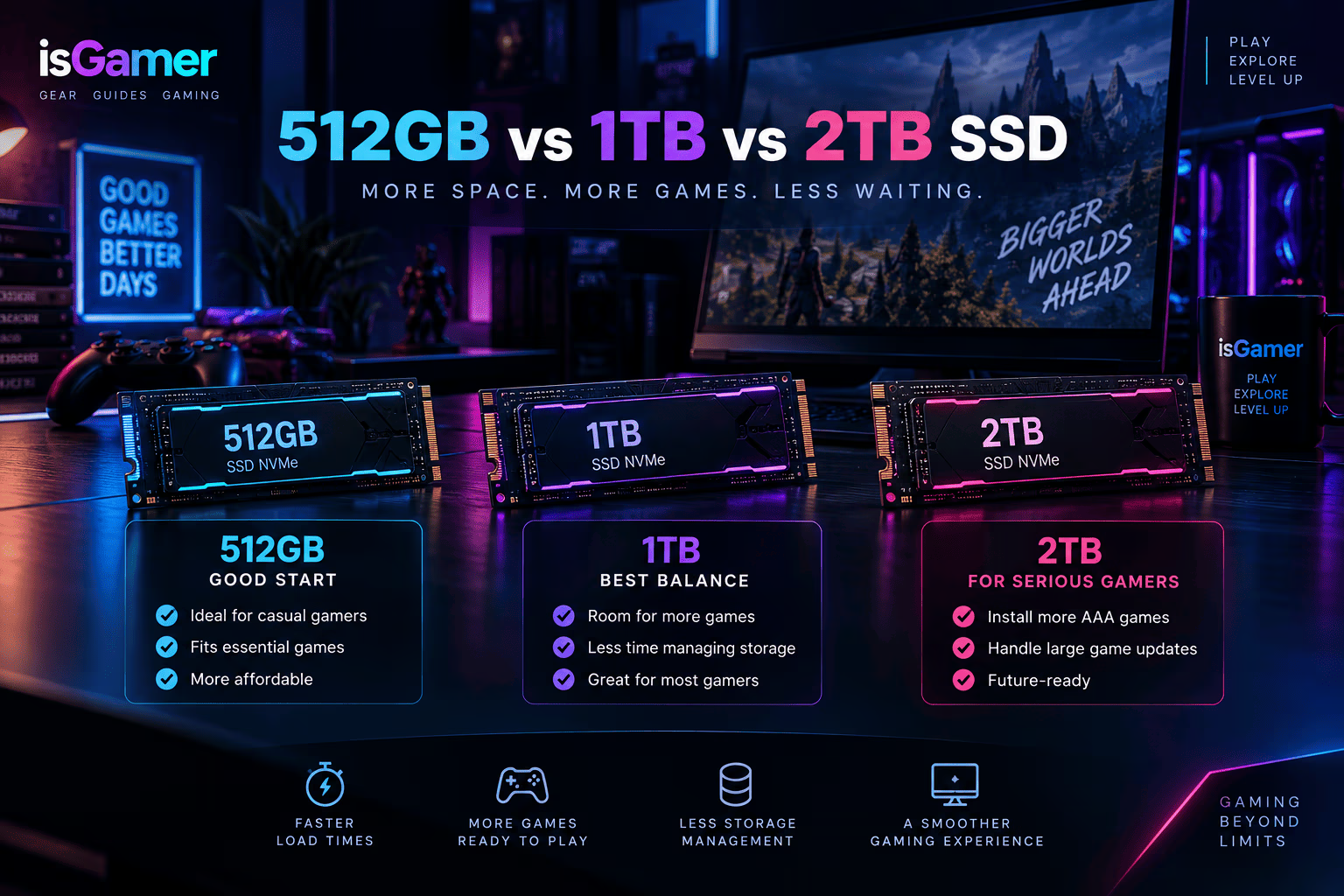
For a gaming machine, 512GB is workable if you keep a relatively small library installed and do not mind uninstalling games regularly. It is less comfortable if you rotate between several large releases.
For most buyers, 1TB is the safer balance. It gives Windows and everyday software more room while leaving a substantially larger portion of the drive available for games. Users with large libraries, content-creation files, or multiple demanding titles installed simultaneously may find 2TB more convenient.
512GB vs 1TB: where the difference is felt
The jump from 512GB to 1TB is not mainly about game performance. It is about how often you have to manage the drive.
On a 512GB system, Windows and normal applications take a meaningful portion before you install a single large game. Once updates, screenshots, recordings, downloads, and several titles accumulate, free space can disappear quickly.
A 1TB SSD gives you more room to leave games installed instead of constantly deciding what to remove. For a laptop that cannot easily accept a second internal SSD, that extra capacity becomes even more valuable.
Price still matters. If the manufacturer charges an unusually high premium for a 1TB factory configuration and the laptop has a user-accessible M.2 slot, buying the smaller option and upgrading later may be more attractive. Check warranty terms and service documentation before opening the chassis.
Look for a second M.2 slot
One of the most useful features in a gaming laptop is an extra M.2 slot for storage expansion.
A second slot can let you add another NVMe SSD without removing the original drive or reinstalling Windows. That makes a 512GB or 1TB starting configuration much easier to live with because storage can grow with your game library.
Do not assume every laptop has one. Internal layouts vary even within the same product family, and some compact models have only a single storage slot.
Before buying, check the manufacturer’s service manual or a reliable teardown of the exact model number. You want to know how many M.2 slots are present, which sizes they support, and whether one of them is already occupied.
NVMe speed matters less than capacity for many gamers
Fast NVMe drives are useful, but SSD marketing can make sequential speed numbers look more important than they are for a typical gaming-laptop purchase.
Once a laptop already has a competent NVMe SSD, moving to a much faster model does not automatically transform every game’s frame rate. Capacity, reliability, thermals, and available expansion options may matter more to the everyday experience.
That is particularly true when choosing between a smaller premium SSD and a larger solid midrange drive. For many players, being able to keep more games installed will be more noticeable than chasing the highest advertised storage benchmark.
RAM and storage recommendations by use case
A simple way to choose is to match the configuration to the workload rather than buying the largest numbers you can afford.
Budget gaming and esports: 16GB RAM with a 512GB SSD can work well if the laptop is upgradeable and you are comfortable managing installed games.
Mainstream gaming: 16GB RAM and a 1TB SSD is a strong baseline for a balanced gaming laptop in 2026.
Gaming plus heavy multitasking or streaming: 32GB RAM and a 1TB SSD gives more headroom for background applications and larger workloads.
Gaming plus creation or a large local library: 32GB RAM with 2TB of storage can make sense when the laptop also handles video, 3D work, large project files, or many installed games.
These are buying targets rather than hard requirements. The exact games and applications you use should always take priority over a generic specification table.
For a complete view of how memory and storage fit alongside GPU, CPU, display, cooling, ports, and upgradeability, see our Gaming Laptop Buying Guide 2026.
What to check before you buy
Do not stop at “16GB RAM, 1TB SSD” on the product listing. Check whether the memory is soldered, whether there are free RAM slots, the maximum supported capacity, how many M.2 storage slots are available, and whether opening the laptop affects the warranty in your region.
A slightly cheaper laptop with accessible memory and storage can be easier to keep useful over time than a thin model whose original configuration cannot be changed.
For most buyers in 2026, 16GB RAM and a 1TB SSD is the sensible middle ground. Move to 32GB when your workload genuinely benefits from the extra memory, and prioritize upgradeability whenever the laptop gives you that option.
Build a Balanced Gaming Laptop
Memory and storage work best when matched to the rest of the system. Use our gaming laptop buying guide for the full checklist, then compare GPU, TGP, and VRAM and choose a display and cooling configuration that fits your games.

2 comments